# How to buy

<figure><img src="https://3735057740-files.gitbook.io/~/files/v0/b/gitbook-x-prod.appspot.com/o/spaces%2F0S74HiGVG9aq0Jpi6Ozh%2Fuploads%2F46Oar0SekNAVXBpDAA0M%2Fhow%20to%20buy.png?alt=media&#x26;token=09c6f61e-8517-47d7-b9cf-253bcdc599c9" alt=""><figcaption></figcaption></figure>

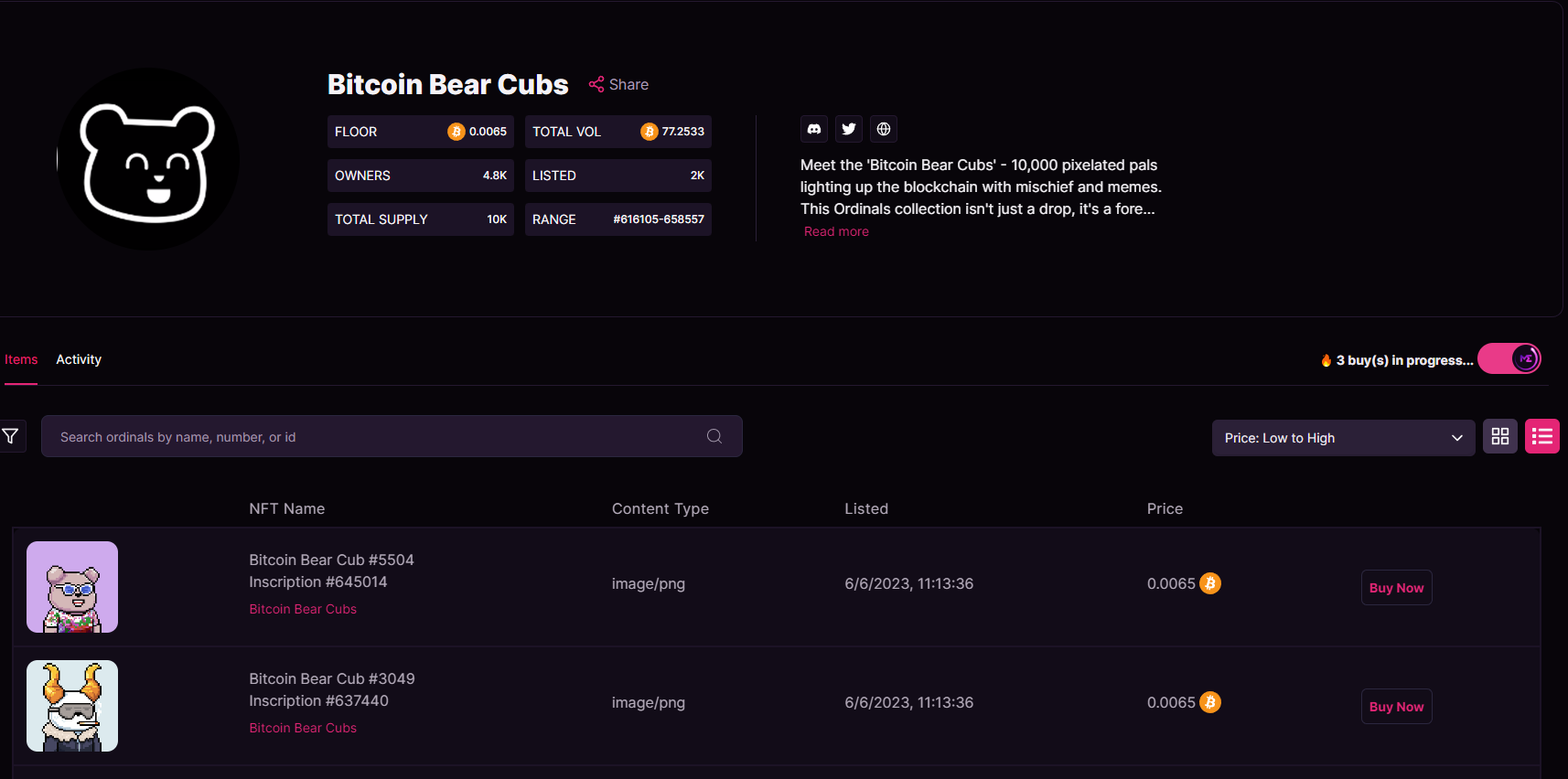
now we are exploring the **bitcoin bear cubs collection,** we can see general information about it.

<figure><img src="https://3735057740-files.gitbook.io/~/files/v0/b/gitbook-x-prod.appspot.com/o/spaces%2F0S74HiGVG9aq0Jpi6Ozh%2Fuploads%2FPS7ocT0rmX9cxD077Pxf%2Fbuy.png?alt=media&#x26;token=a48779aa-1132-4beb-bb29-1bc82a043db0" alt=""><figcaption></figcaption></figure>

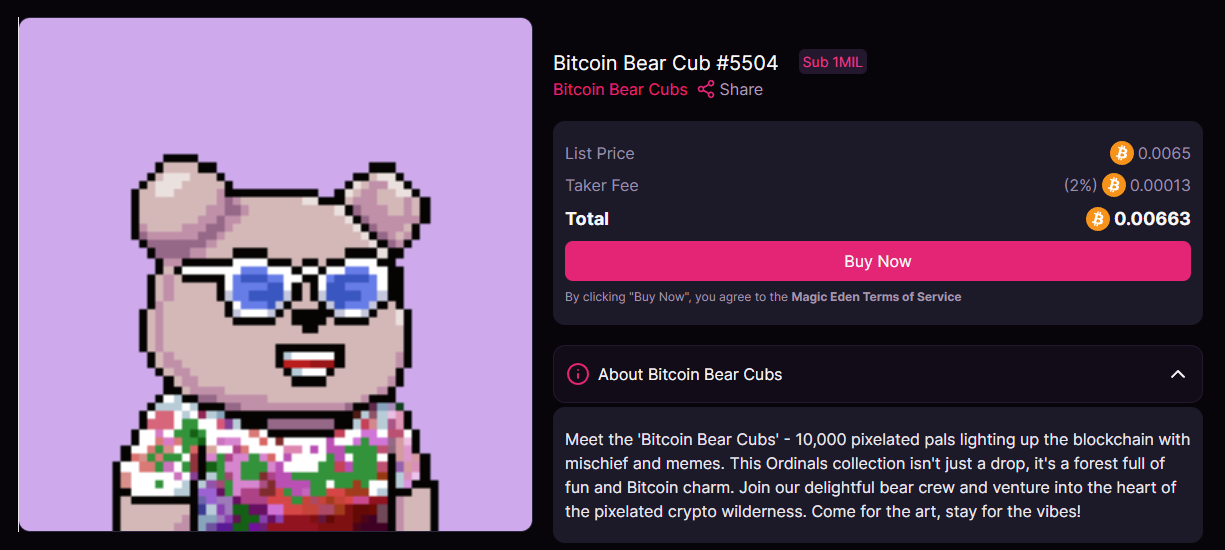
just click on **buy now,** be sure to have your unisat wallet open.

<figure><img src="https://3735057740-files.gitbook.io/~/files/v0/b/gitbook-x-prod.appspot.com/o/spaces%2F0S74HiGVG9aq0Jpi6Ozh%2Fuploads%2FKVFYXSdCzpNT6OTOPoaE%2Fbuying%20process.png?alt=media&#x26;token=86109af6-f813-4876-89d1-37f43396e9cf" alt=""><figcaption></figcaption></figure>

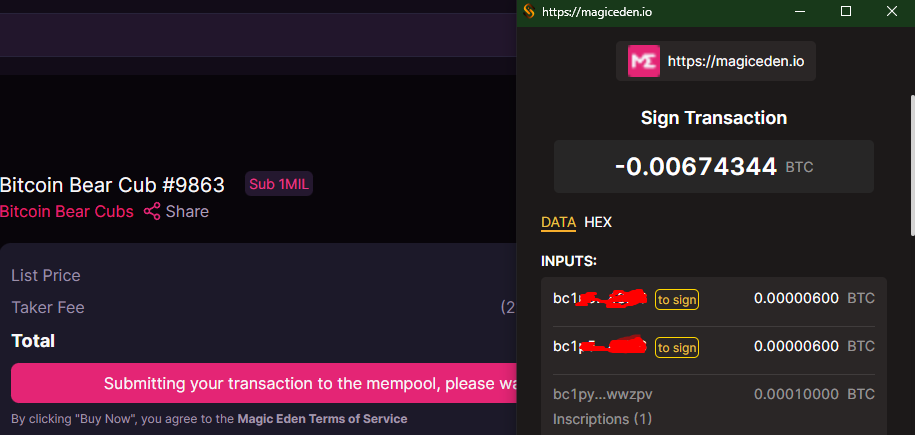
now you will need to sign the transaction on your unisat wallet, and then expect mempool to process your tx. you will see your new NFT in your wallet after some minutes <mark style="color:red;">**(be patient)**</mark>

<figure><img src="https://3735057740-files.gitbook.io/~/files/v0/b/gitbook-x-prod.appspot.com/o/spaces%2F0S74HiGVG9aq0Jpi6Ozh%2Fuploads%2FQSXj0WpILZpAgOVhpOwf%2Fexampe.png?alt=media&#x26;token=df5a8a09-3315-4957-b9a1-53b43dfb2b98" alt=""><figcaption></figcaption></figure>

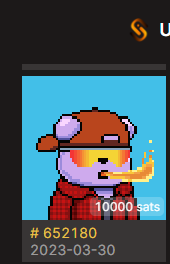
something like the image above.